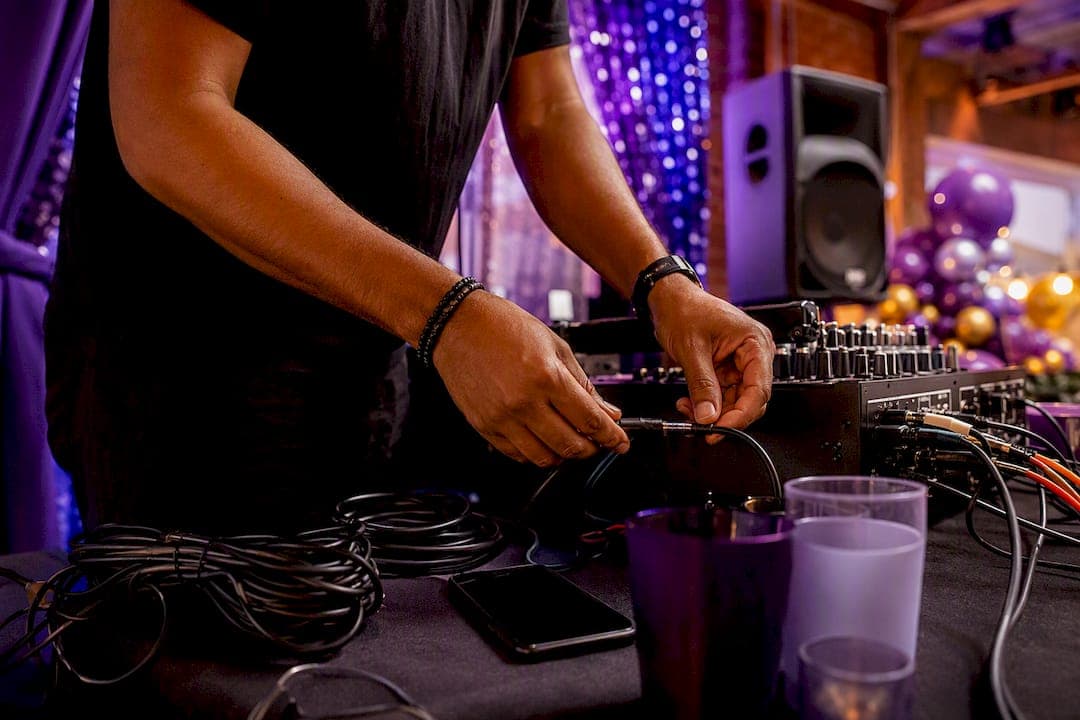
Use a QR or web-based request queue with a DJ-moderated dashboard as your default system for any event. It gives guests a low-friction way to request songs, keeps the DJ in control of what actually plays, and creates a backup path when the technology fails. Industry data shows DJs using QR-code systems report about 80% fewer booth interruptions, and guides like the CeolCode DJ Guide back this up with practical setup advice.
You need four things to run this well:
- A QR code or web form guests can access without downloading anything
- A DJ dashboard, ideally on a tablet, for live moderation
- Priority rules for handling duplicates and paid requests
- Printable request cards as a backup when Wi-Fi drops
Key Takeaways
A DJ-moderated QR or web-based request queue reduces booth interruptions, preserves client playlist priority, and needs a printed backup for connectivity failures.
| Point | Details |
|---|---|
| Default system choice | Use a QR or web-based request queue paired with a DJ dashboard for most events. |
| Test one week ahead | Confirm the full submission-to-dashboard flow at least seven days before the event. |
| Set priority rules early | Agree on must-play and do-not-play lists with the client before the event starts. |
| Always keep a paper backup | Printed request cards prevent chaos if Wi-Fi or the tablet fails mid-event. |
| Fiesta Fusion's approach | Builds QR setup, signage, and moderation into DJ bookings as a managed add-on. |
Table of Contents
- How Digital DJ Request Systems Changed an Old Problem
- What Types of DJ Request Systems Exist?
- Which DJ Request Apps and Tools Should You Know?
- Setting Up a QR Code Request System Step by Step
- Running the Request Queue Live: Moderation and Priority Rules
- Event Timeline: What to Prep a Week Out and Day-Of
- What Happens When the Tech Fails: Backups and Guest Etiquette
- How Fiesta Fusion Runs Song Requests at Live Events
- Streamline Requests for Better Dance Floors
- How Fiesta Fusion Can Handle Song Requests for Your Event
- Sources
- FAQ
How Digital DJ Request Systems Changed an Old Problem
DJs have always fielded requests the same rough way: a napkin shoved across the booth, someone shouting over the bass, or an MC relaying a name secondhand. All three interrupt the set and often lose the request entirely.
Digital systems for handling event DJ requests fix this by giving guests their own private channel. No one has to walk up to the booth, no one gets embarrassed asking for something obscure, and every request lands in a queue the DJ can review at a glance.
| Method | Booth interruptions | Request tracking | Guest comfort |
|---|---|---|---|
| Napkin or verbal request | High | None | Low, feels awkward |
| MC relay | Medium | Inconsistent | Medium |
| QR/web request queue | Low | Full log | High |
Pro Tip: Keep a printed sign near the bar, not just the booth. Most requests happen when guests are already up getting a drink.
The trade-off is real: digital systems need working internet and a short learning curve for older guests. Both are solvable, and the payoff in reduced chaos is worth the setup time.
What Types of DJ Request Systems Exist?
Not every event needs the same tool. Here's how the main categories break down.
- QR/web forms: A code on signage opens a browser form. No app required, works on any phone, and pairs well with weddings and corporate events.
- Dedicated request apps: Guests download an app for richer features like voting or song previews. Better for repeat-venue club nights than one-off private events.
- SMS/text systems: Guests text a number. Useful for older crowds unfamiliar with QR codes, but harder to moderate at scale.
- DJ-software plugins: Requests feed directly into the DJ's mixing software queue. Best for solo DJs who want zero copy-paste between tools.
- Integrated venue systems: Some venues run their own request infrastructure tied to house sound. Useful for club residencies, less flexible for traveling DJs.
For weddings and quinceañeras, QR/web forms win on guest comfort. For school dances, SMS backup matters since not every student has data access. For corporate events, DJ-software plugins reduce friction when the DJ is also running announcements and transitions.
Pro Tip: If your venue has spotty Wi-Fi, test a mobile hotspot as backup before committing to any web-based system.
Which DJ Request Apps and Tools Should You Know?
A handful of named systems and services show up across the DJ community when this topic comes up. Treat these as examples of what's available, not a ranked recommendation list.
Fotify maintains a public codebase on GitHub, which signals it supports developer-level integration for DJs who want custom setups. DJ Request and RequestBox are web-based platforms built around the QR-to-form flow. RequestNow focuses on a similar model with live queue visibility for guests. VirtualDJ offers request plugins that feed directly into its own mixing software, which appeals to DJs who want one continuous interface instead of switching screens mid-set.
None of these are interchangeable. The feature checklist below is what actually separates them on event day:
- Ease of guest use, meaning zero downloads and a fast scan-to-submit flow
- Moderation controls, meaning the DJ can accept, decline, or mute a request category
- Integration depth with DJ software or streaming services
- Offline reliability when venue Wi-Fi drops mid-event
- Payment or tipping features for paid priority requests
- Privacy handling for guest names and phone numbers
"Digital request platforms consolidate duplicate requests, let DJs limit features like explicit content or tipping, and should be configured to support the DJ's control of set energy." This is the standard Rekwest guidance echoes across most serious DJ resources.
A feature claim on a product page means little until you've seen it work live. A "queue management" label could mean a simple list or a full duplicate-clustering system. Ask specifically whether the platform clusters repeat requests, since that single feature does more for prioritization than almost anything else on the checklist.
Setting Up a QR Code Request System Step by Step
Getting this right takes about fifteen minutes of setup and one test run.
- Create the event in your chosen platform and generate the QR code or short link
- Test the full flow yourself: scan, submit a request, confirm it appears on the dashboard
- Print signage with the code, event name, and a one-line instruction
- Place signage at the booth, bar, and any high-traffic seating areas
- Load the dashboard on a tablet at least 10 inches wide for easy scanning
Device setup matters more than most planners expect. A phone screen is too small to moderate a fast-moving queue during a wedding reception. Keep a backup phone loaded with the same dashboard in case the tablet dies.
Pro Tip: Sample signage copy that works: "Scan to request a song! We'll do our best to play it. Please, no explicit or duplicate requests."
CeolCode's guide recommends testing one full week before the event, not the night before, so you have time to fix a broken link or a mislabeled form field.
Running the Request Queue Live: Moderation and Priority Rules
Once the event starts, someone has to actually manage the queue, and it shouldn't be the DJ mixing the next track.
Triage every request into one of three buckets:
- Accept and queue immediately
- Hold for a better moment in the set
- Decline, quietly, without announcing it to the room
Set do-not-play rules before the event based on the client's list, since contract language establishing that the client's playlist takes priority prevents awkward conversations later. When five or more guests request the same song, that's a strong signal worth acting on, according to duplicate clustering data from CeolCode.
For paid or priority requests, flag them visually on the dashboard so they don't get buried under a flood of free submissions. Assign one person, often an assistant or MC, to glance at the dashboard every few songs rather than constantly.
- DJ focuses on mixing and reading the floor
- Assistant or MC monitors the dashboard between transitions
- Both agree on a signal for urgent requests, like a tap on the shoulder
Pro Tip: During a request surge, mentally sort by dedication first, popularity second. A first dance or father-daughter dance request always jumps the line.
Event Timeline: What to Prep a Week Out and Day-Of
A week of lead time turns a stressful setup into a routine one.
One week before:
- Create the event in your platform and generate the QR code
- Test the full submission-to-dashboard flow yourself
- Confirm streaming or software integrations are working
- Finalize must-play and do-not-play lists with the client
Day of the event:
- Place signage at the booth, bar, and entry tables
- Boot the tablet and confirm dashboard connectivity before guests arrive
- Load printed backup request cards near the DJ table
- Brief any assistant or MC on triage rules and dashboard checks
The client owns the must-play list. The DJ owns moderation. Whoever handles signage should also own the venue Wi-Fi and power check, a step worth confirming during any venue walkthrough.
What Happens When the Tech Fails: Backups and Guest Etiquette
Keep printed request cards at every table as insurance. A simple card with three blanks (song, artist, name) covers you if connectivity drops entirely.
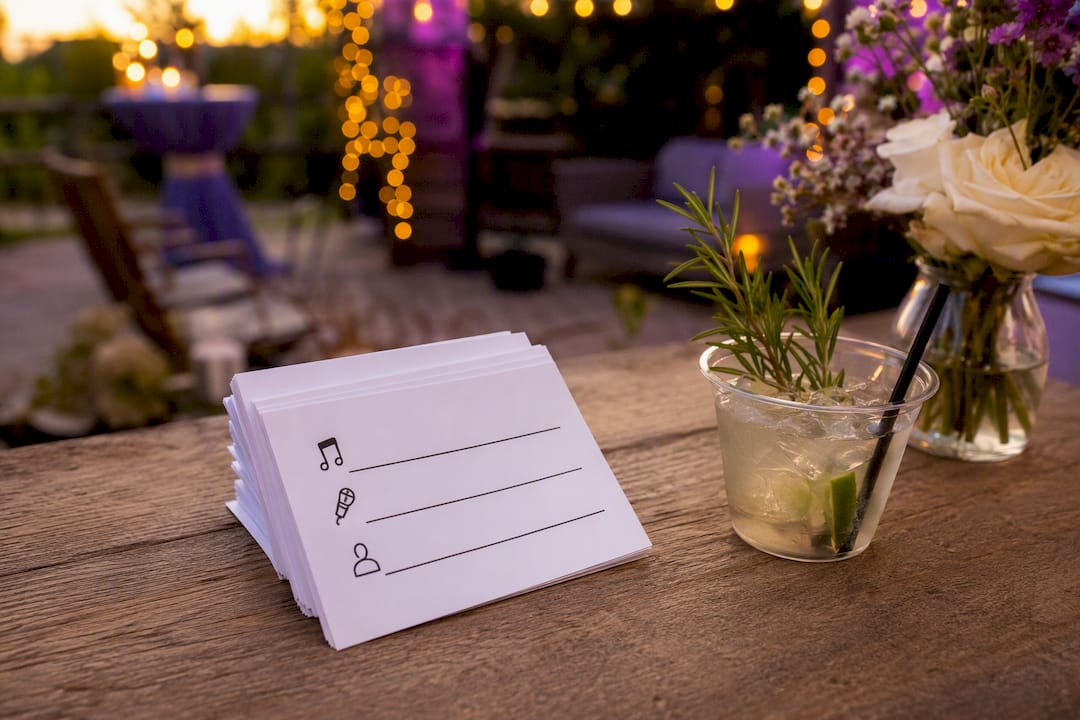
Guest-facing signage should set expectations plainly: "We'll play what fits the night. Thanks for keeping requests family-friendly." That one line cuts down on inappropriate or off-theme requests before they happen.
Common issues and fixes:
- Lost connectivity: switch to phone hotspot or printed cards immediately
- Duplicate submissions: rely on clustering counts, don't manually cross-reference
- Misspelled song titles: verify against Shazam or a quick streaming search before rejecting
- Tablet failure: fall back to phone dashboard, always kept charged nearby
Pro Tip: Print twice as many request cards as you think you'll need. They disappear fast once guests realize they can write on something.
How Fiesta Fusion Runs Song Requests at Live Events
Fiesta Fusion treats the request system as part of the DJ setup, not an afterthought bolted on at load-in. The standard process looks like this:
- Generate the event QR code during pre-event planning calls, not the week of
- Position the dashboard tablet at the DJ table, angled so the DJ can glance without stopping the mix
- Open the night with a short announcement script guiding guests to the code
- Apply triage rules agreed on with the client during booking, prioritizing first dances and family requests
A request system only works when the client's vision and the guest's spontaneity are both respected. That balance is set before the first song ever plays.
For couples and planners exploring how this fits into a broader entertainment package, our guide on why hiring a professional DJ matters covers how request handling ties into overall set control.
Pro Tip: Ask your DJ during booking exactly how they handle a flood of requests during peak dance floor hours. Their answer tells you more than any feature list.
Streamline Requests for Better Dance Floors
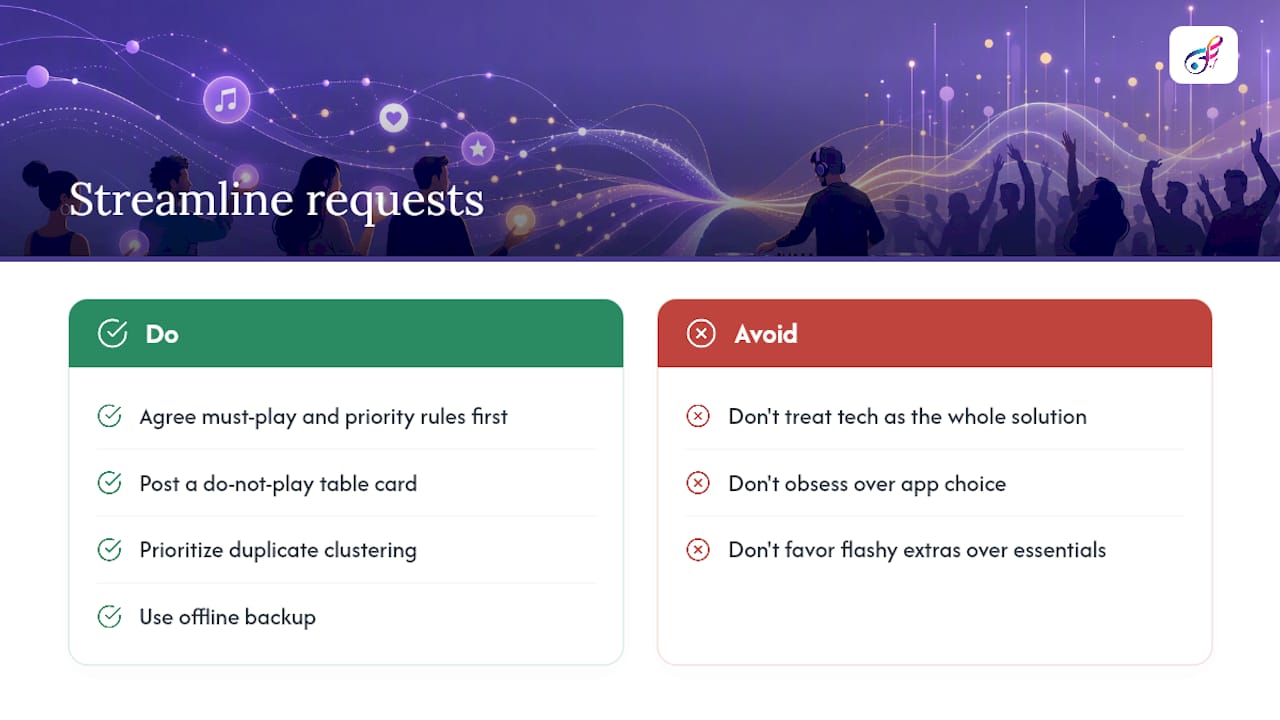
The conventional advice on DJ request systems treats the technology as the whole solution. It isn't. A QR code and a slick dashboard mean nothing if the DJ hasn't set clear priority rules before the first guest scans anything.
What gets overlooked most often is guest etiquette signage. Planners obsess over which app to use and skip the one sentence that actually prevents chaos: telling guests upfront what won't be accommodated. A single line on a table card does more to protect a wedding playlist than any moderation feature.
Here's what should come first: agree on the must-play and do-not-play list with the client before touching any software. The system is just plumbing. The judgment calls, what to accept, what to quietly skip, when a duplicate cluster signals real crowd energy, that's where the actual skill lives. Digital tools speed up the mechanics. They don't replace a DJ's read of the room.
If you're choosing between platforms, prioritize duplicate clustering and offline backup over flashy extras like in-app voting. Those two features solve the problems that actually derail events.
How Fiesta Fusion Can Handle Song Requests for Your Event
Fiesta Fusion builds a request system into your DJ booking as a managed enhancement, not a separate technical headache you have to figure out. That means you get the QR setup, signage, dashboard moderation, and priority rules handled by your DJ team, without researching platforms or testing integrations yourself.
Booking works the same way as any Fiesta Fusion package: you choose your event date, we walk through your must-play and do-not-play list during planning calls, and the request system gets built into the day-of setup alongside lighting and sound. It pairs naturally with other event enhancements like uplighting or a photo booth, all coordinated under one vendor instead of several.
If you're planning a wedding, quinceañera, school dance, or corporate event in Northern Utah, reach out to talk through what a request system would look like for your specific venue and guest list.
Sources
FAQ
How Do DJs Get Booked for Events?
Most DJs build a booking pipeline through referrals, wedding vendor networks, and a portfolio site showing past events, then convert inquiries with a clear pricing and availability page.
What Is the Rule of 32 in DJing?
The rule of 32 refers to phrasing in dance music, where tracks are typically structured in timed segments to help DJs mix transitions smoothly. It's a mixing technique, not a request-management rule.
How Much Should a DJ Charge for Three Hours?
Rates vary widely by market, experience, and equipment included, so there's no single standard figure. Planners should request quotes based on their specific event type and location rather than relying on a flat number.
Is $100 an Hour a Good Rate for a DJ?
Whether any specific hourly rate is reasonable depends heavily on the market, the DJ's experience, and what's included, like lighting or MC services. Compare quotes locally rather than treating any single hourly rate as a benchmark.
Does Fiesta Fusion Include a Request System With DJ Bookings?
Fiesta Fusion offers QR-based request setup, dashboard moderation, and signage as part of its DJ service enhancements, coordinated during event planning calls.